
To view the Toolie equipment history, please follow the below instructions:
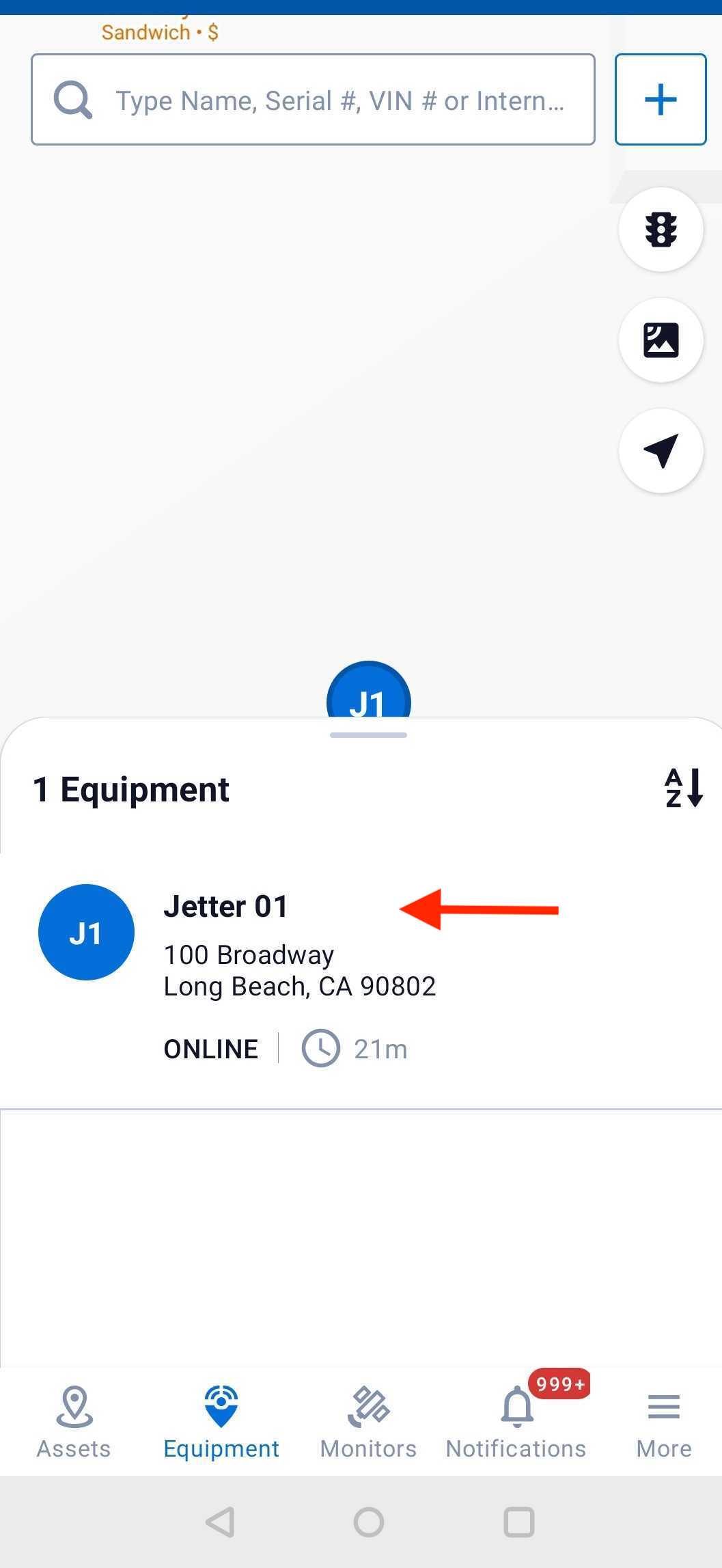
(1) Click on the asset you would like to view history from the map view
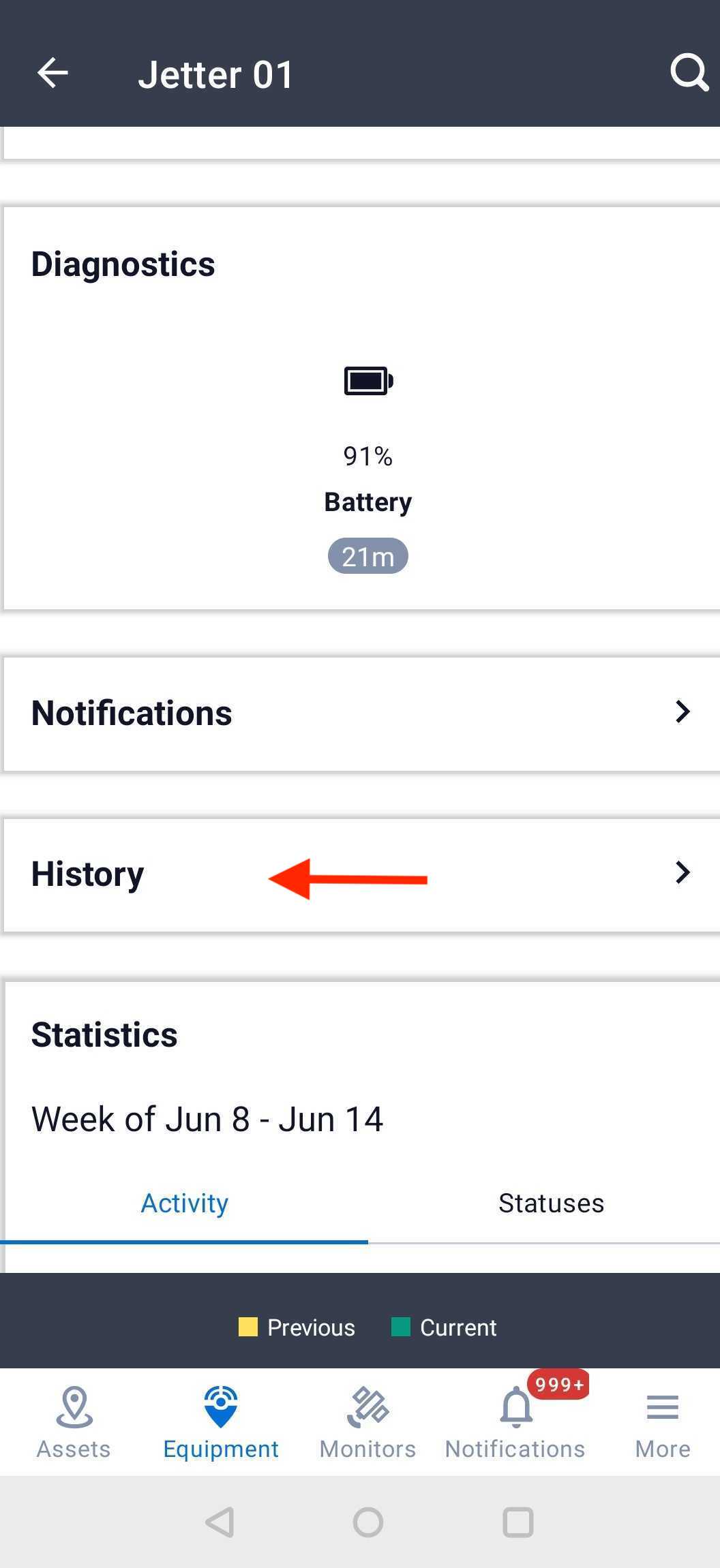
(2) In the equipment details view, please click on the "History" tab
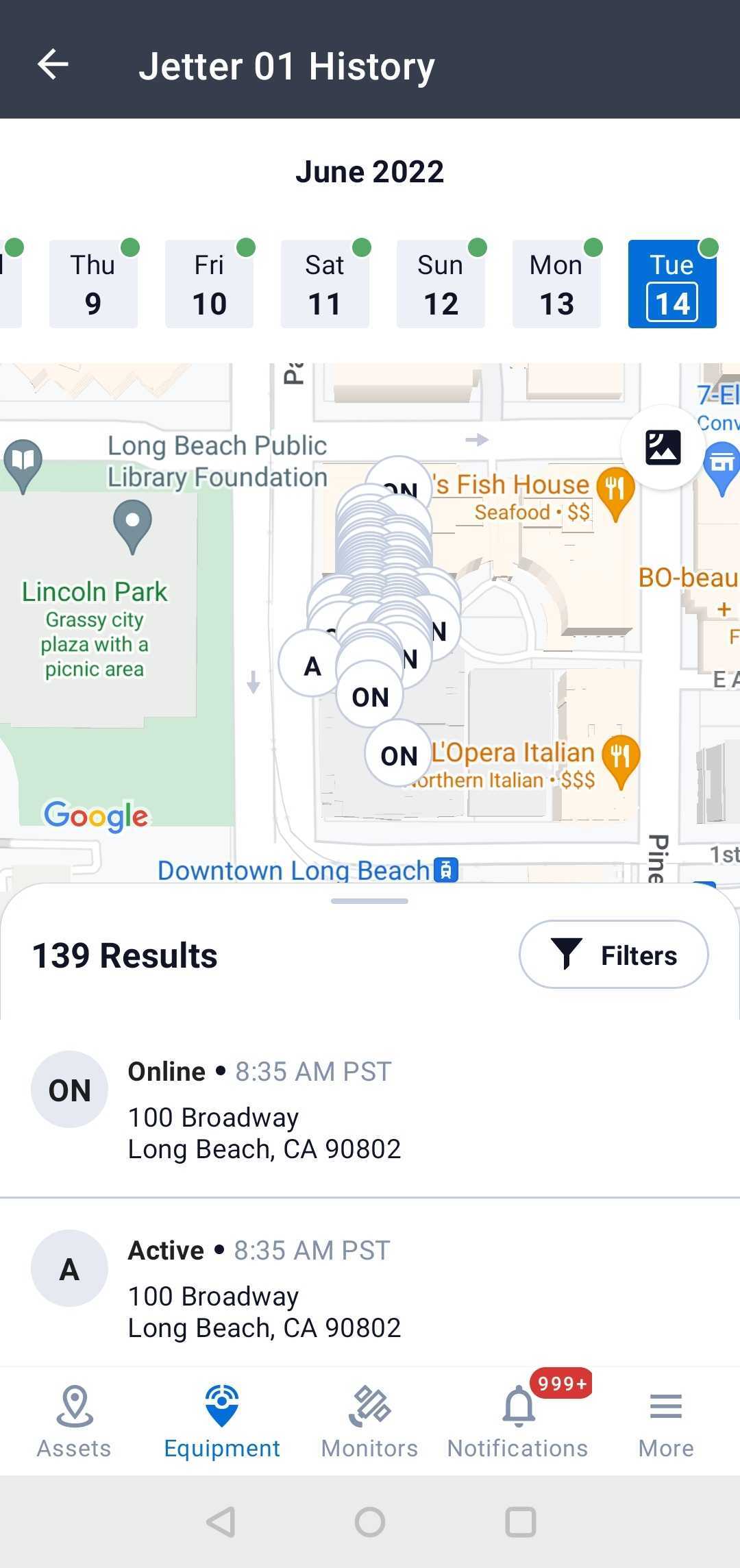
(3) Now, you can view the equipment history of your Toolie
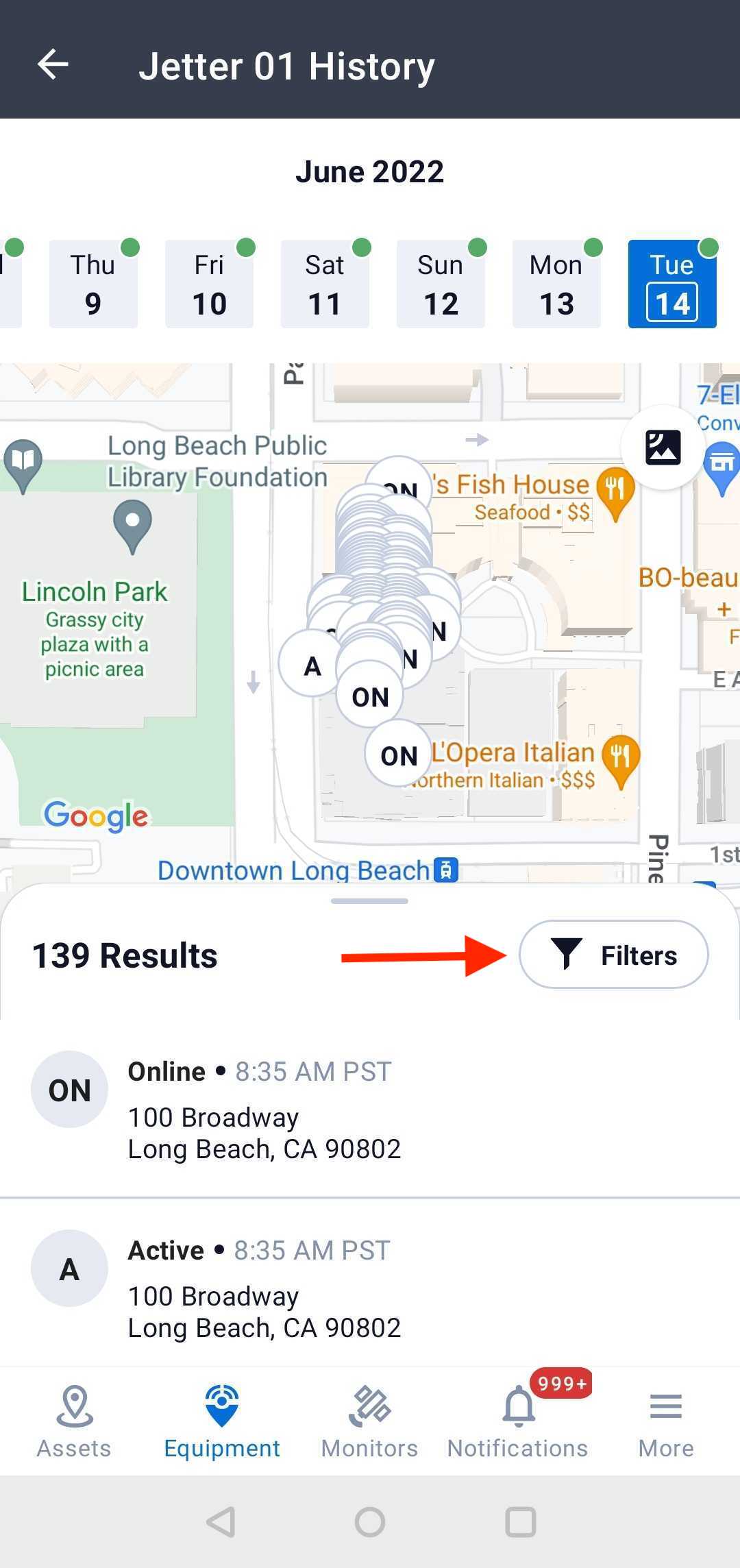
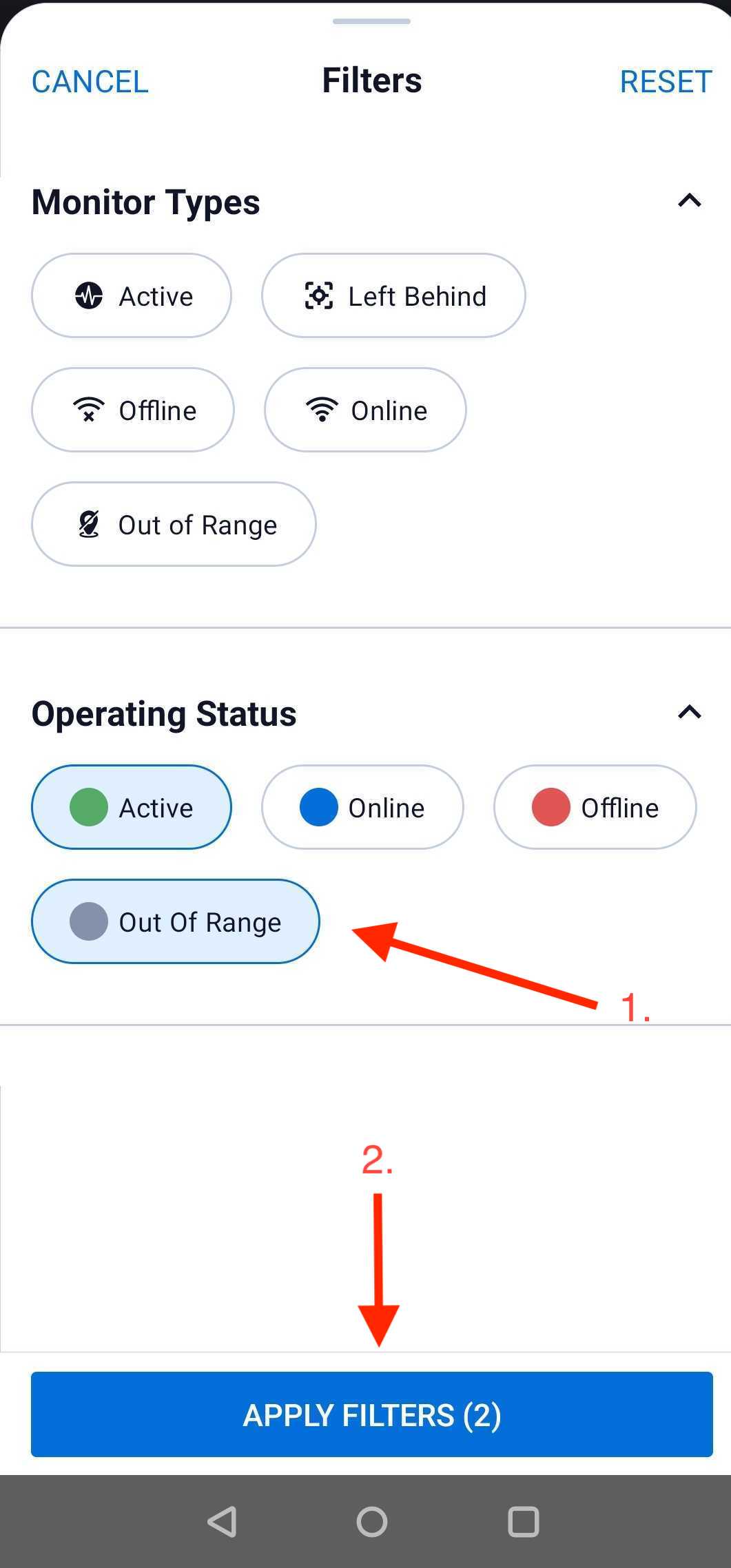
(4) Click the Filters button to choose the statuses you wish to view, and click "Apply Filters" when done.
Comments
0 comments
Article is closed for comments.