
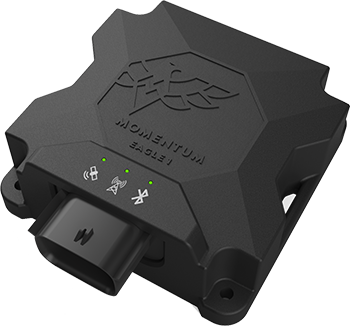
Most passenger vehicles, pick-up trucks, and vans can be connected to the Eagle 1 device via the Onboard Diagnostic (“OBD”) receptacle. The device provides vehicle data to management, including location, status, speed, fuel level, DTC and idling time.
Finding the OBD Port
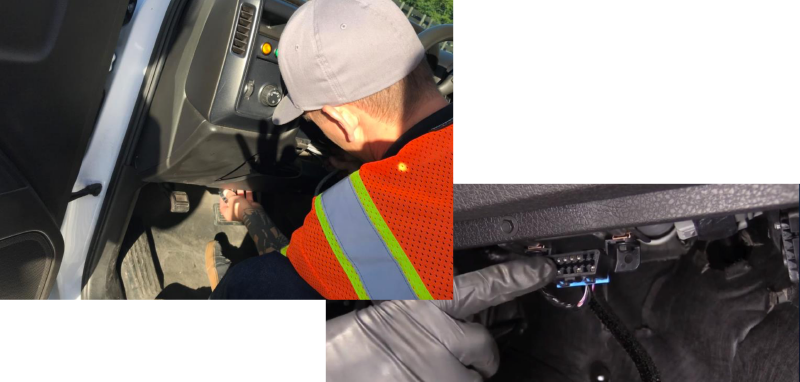
Locate the OBD port.
The OBD port will be below and slightly left of the steering column.
Plugging in and Installing
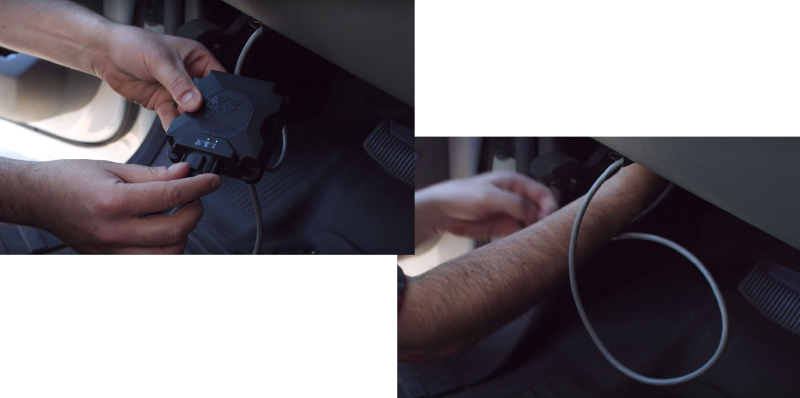
- Plug the cable into the OBD port.
- Connect Eagle 1 to the other end of the cable.
- Crank the ignition to start the engine. The device lights up. Please wait it for 10-15 minutes until the device pops up from your app.
- Secure excess cable, and hide the device under the dashboard.
- Zip tie device out of the way to rigid metal or cables.
- Your device is now connected.
Comments
0 comments
Article is closed for comments.